Record the conversation
Tap once and put your phone away. It keeps recording with the screen locked, and saves on your phone when the show floor Wi-Fi gives up. Snap a badge or business card to add who you spoke to.
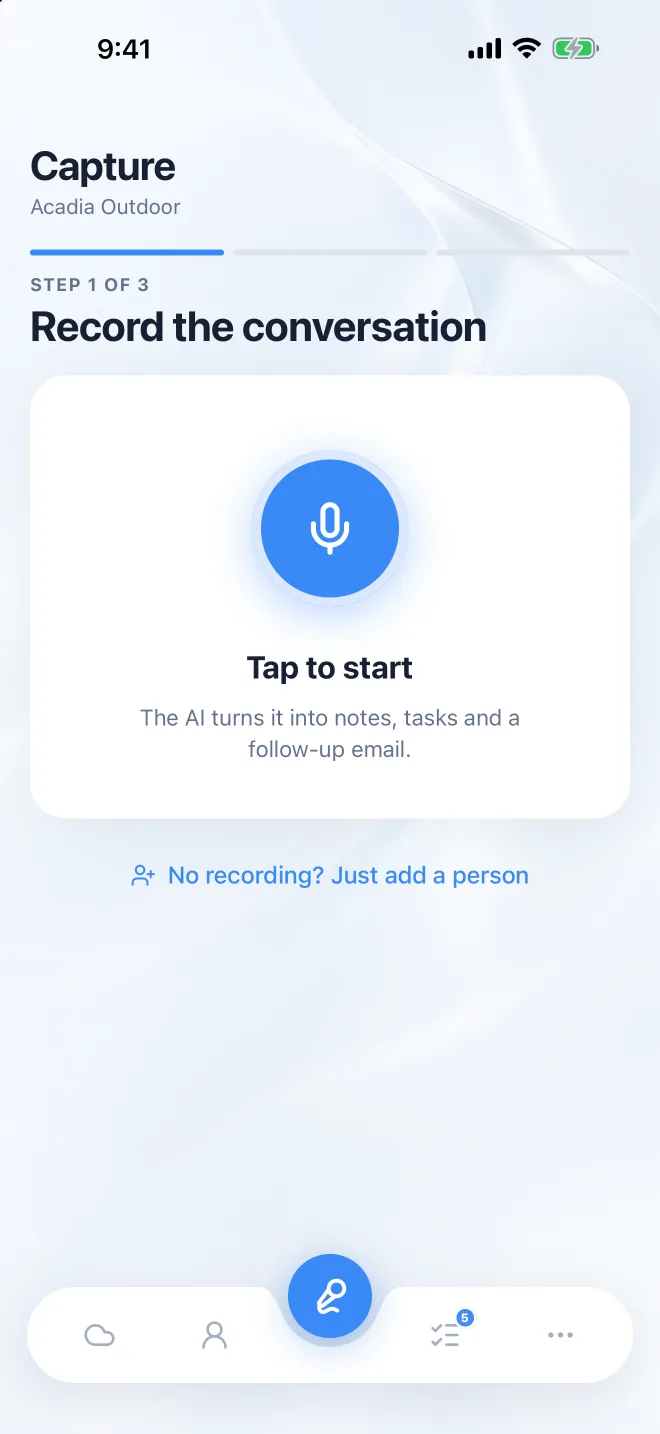

One conversation in, a written-up lead out: the notes, the next steps and the follow-up email, saved before you reach the next booth or the car.
Three steps
Tap once and put your phone away. It keeps recording with the screen locked, and saves on your phone when the show floor Wi-Fi gives up. Snap a badge or business card to add who you spoke to.
A clear summary, how ready they are to buy, the next steps you agreed, a follow-up email in your voice, and the personal things worth remembering next time you talk.
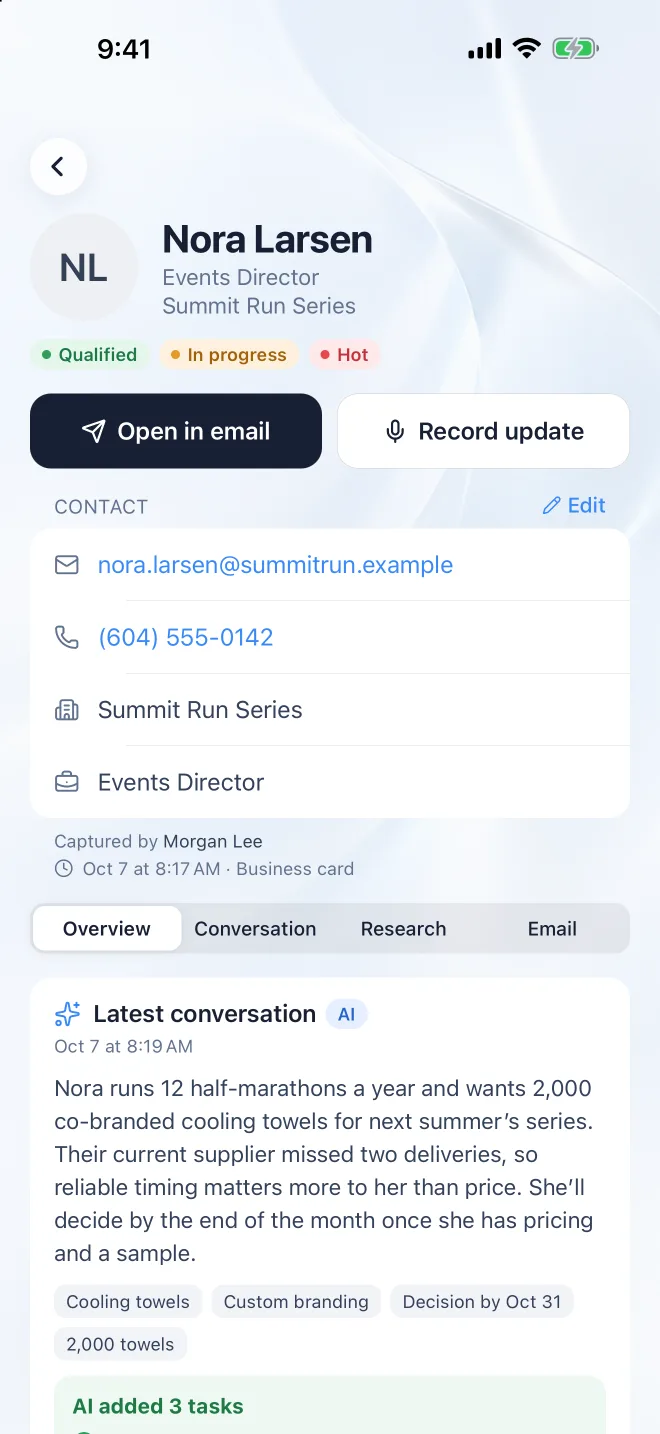
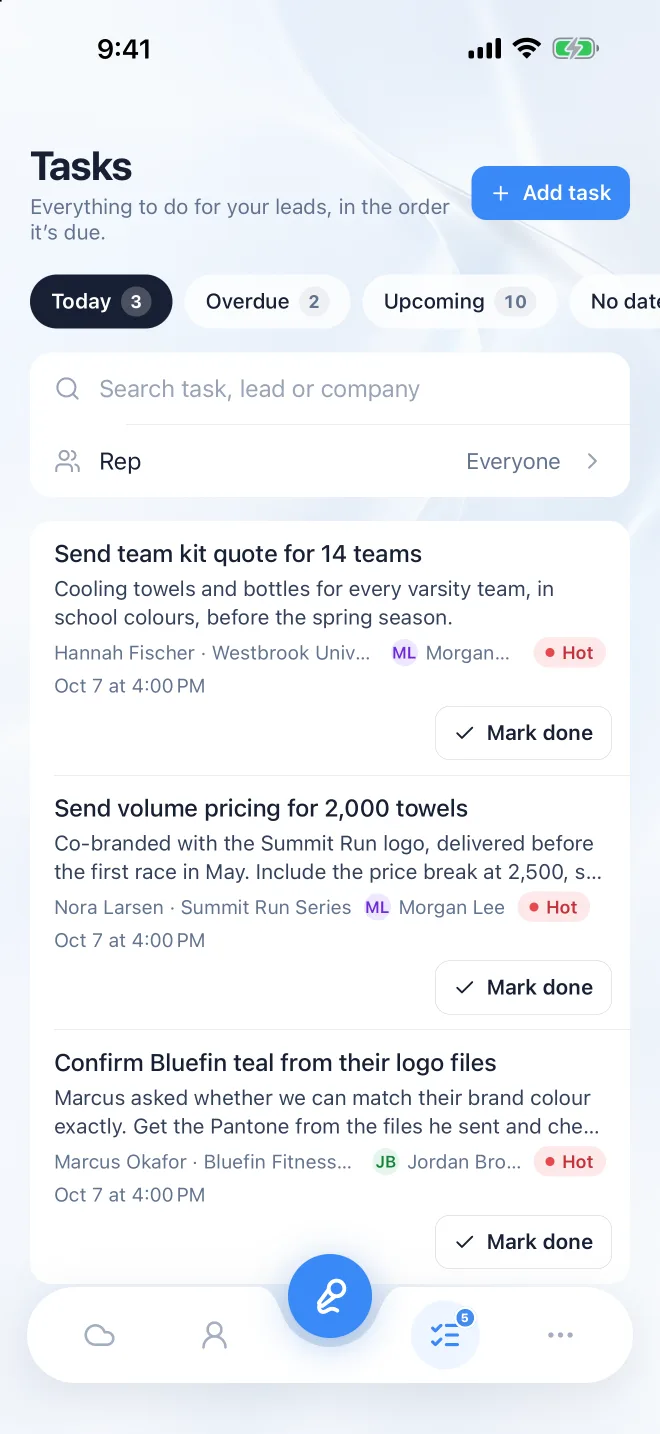
Every next step lands in Follow-ups with a due date, for you and your manager. Send the email, mark it done, or record an update after the next call.
Four ways in
Best on a show floor or in a meeting. Recording carries on with your phone locked, and the lock screen shows it’s listening. Where the law asks everyone to agree to a recording, ask first.
Rather not record? Walk away and say what happened in thirty seconds, or at the end of the day in the car. Instalead updates the lead, the tasks and your summary for you to check.
Point the camera at an event badge’s QR code or a business card, and the name, company, title and contact details fill themselves in. Or pick someone from your contacts.
On a computer, Record also picks up the meeting’s sound along with your microphone, so a Zoom, Teams or Google Meet call is written up the same way. A notetaker can join the call for you instead.
Capture
Slip it in your pocket. The lock screen shows it’s still recording, and how long for.
Recordings and changes save on your phone and upload by themselves when you’re back online.
Scan an event badge’s QR code or photograph a business card, and the contact details fill themselves in.
Say what happened after a call, or dictate a note, instead of recording the whole conversation.
On a computer, Record picks up the meeting’s sound and your microphone. Or send a notetaker to join the call.
Capture on your phone at the show, and pick the lead up on your computer back at the office.
AI write-ups
A clear summary of each conversation, and whether the lead is hot, warm or cold.
What you promised to do, written as tasks so nothing you said at the booth gets forgotten.
A draft that mentions what they actually asked for. Tell the AI what to change, then send it from your own email.
Who the person is and what their company does, so you know who you’re writing to.
A daughter’s soccer season, a marathon in May. The small personal things, ready for next time you talk.
Record the next call against the same lead, and the notes and next steps move on with it.
Follow-up and team
Every next step in one list, by due date, with a reminder on your phone. Mark it done and say what was done.
A nudge when a lead has had no activity for a working week, while there’s still time to follow up.
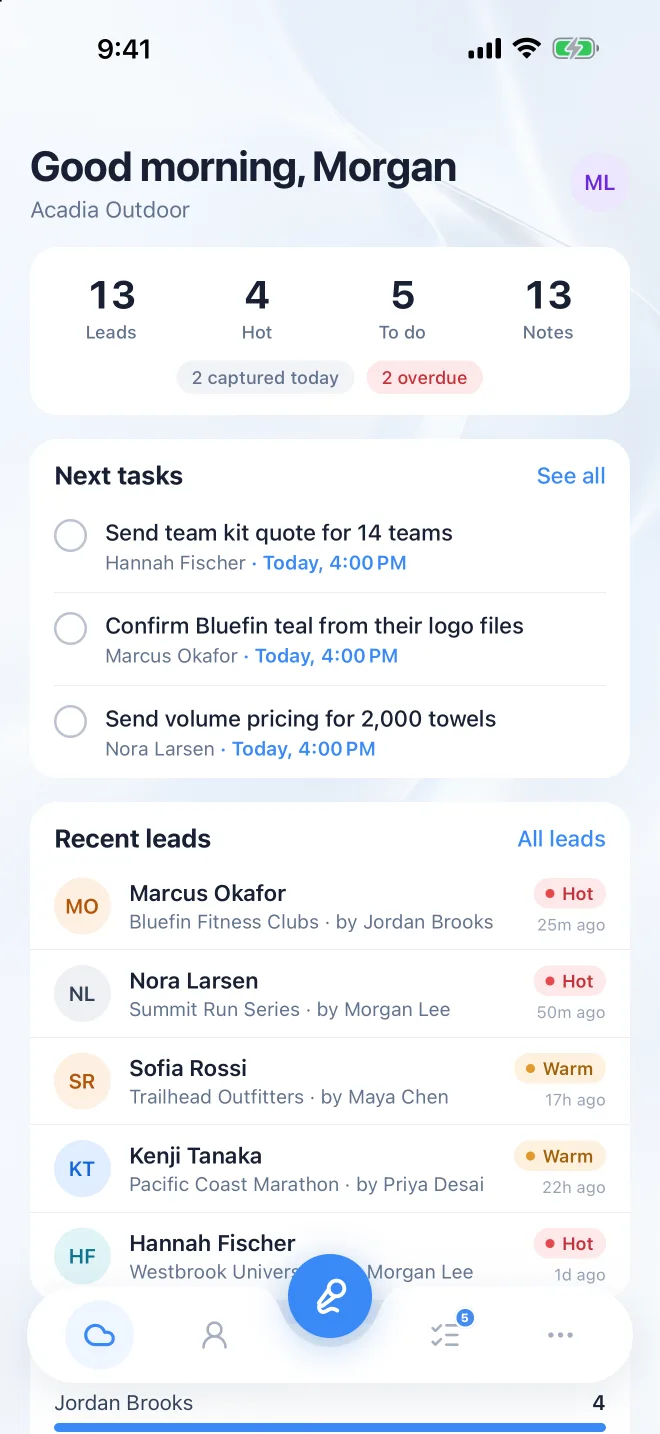
Each rep’s leads, hot leads and open follow-ups, at every show and every day in between.
Managers add a follow-up to any rep’s lead, and it lands in that rep’s Follow-ups.
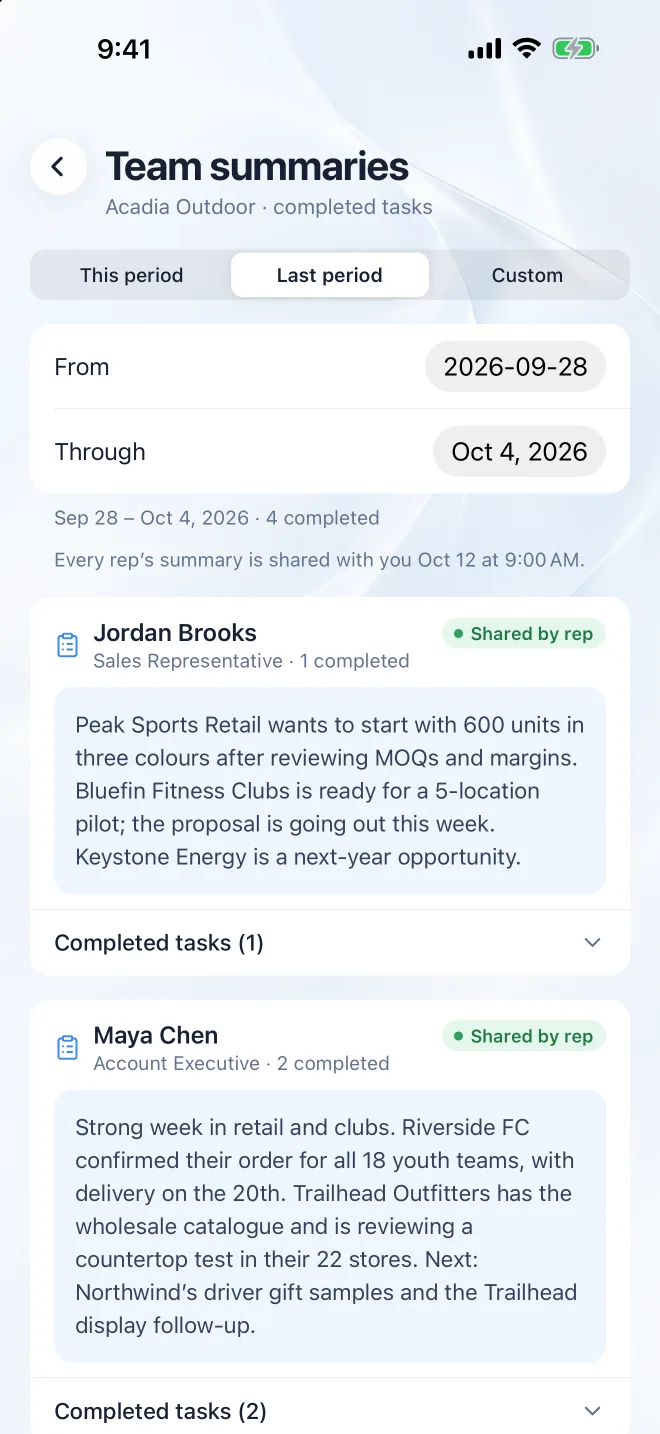
What each rep did, written from their debriefs, notes and finished tasks, and shared on the schedule you pick.
Filter the team’s leads and download them as a spreadsheet for your CRM. CRM sync is on Enterprise.
The app

Hi! Ask me anything about Instalead: how it works, pricing, or whether it fits your team.
AI answers, so they can be wrong. Talk to a person