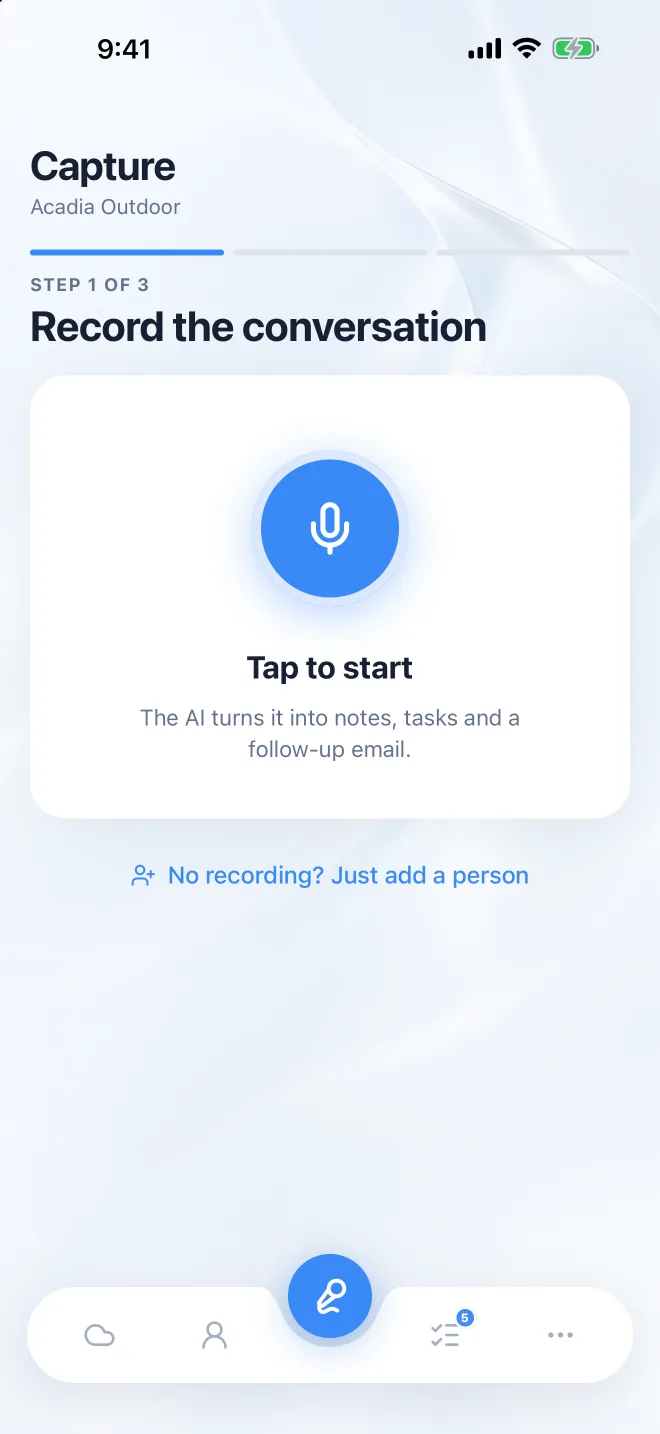
Record the conversation
Tap once and put your phone away. It keeps recording with the screen locked, and saves on your phone when the show floor Wi-Fi gives up. Snap a badge or business card to add who you spoke to.

How it works
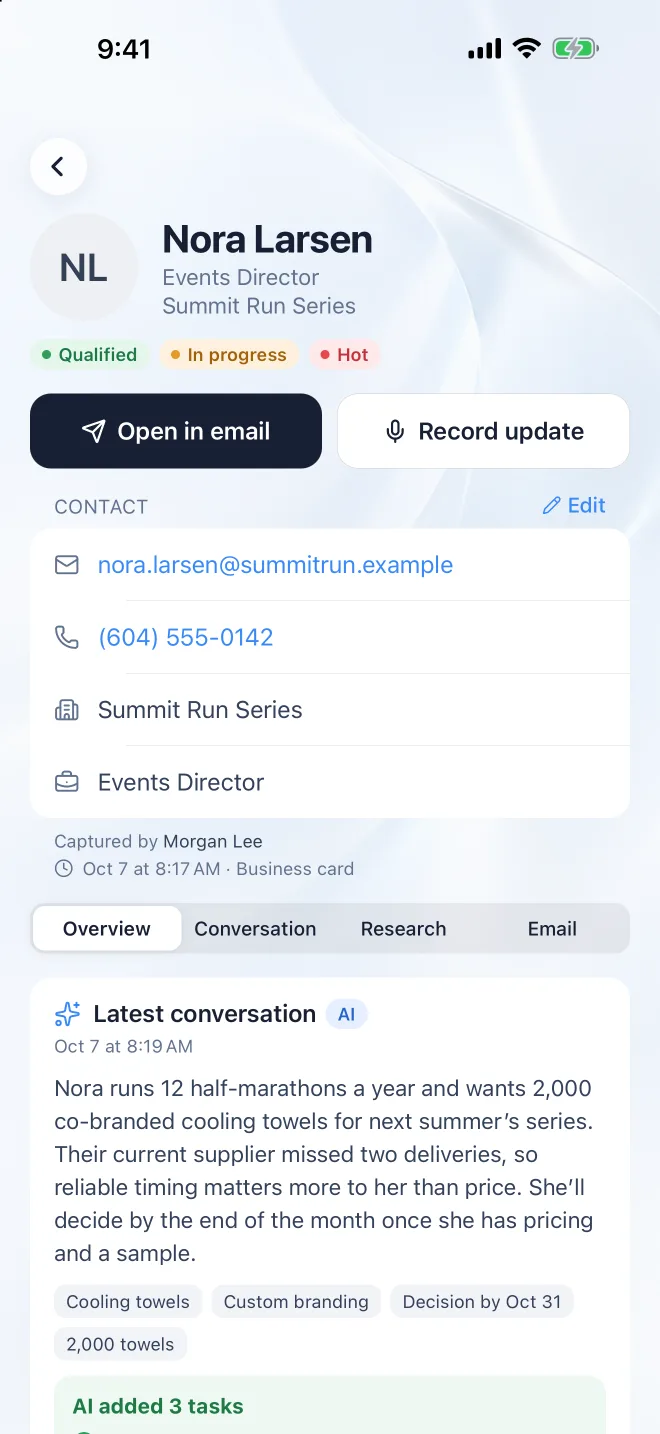
One conversation in, a written-up lead out: the notes, the next steps and the follow-up email, saved before you reach the next booth or the car.
Three steps
Tap once and put your phone away. It keeps recording with the screen locked, and saves on your phone when the show floor Wi-Fi gives up. Snap a badge or business card to add who you spoke to.
A clear summary, how ready they are to buy, the next steps you agreed, a follow-up email in your voice, and the personal things worth remembering next time you talk.
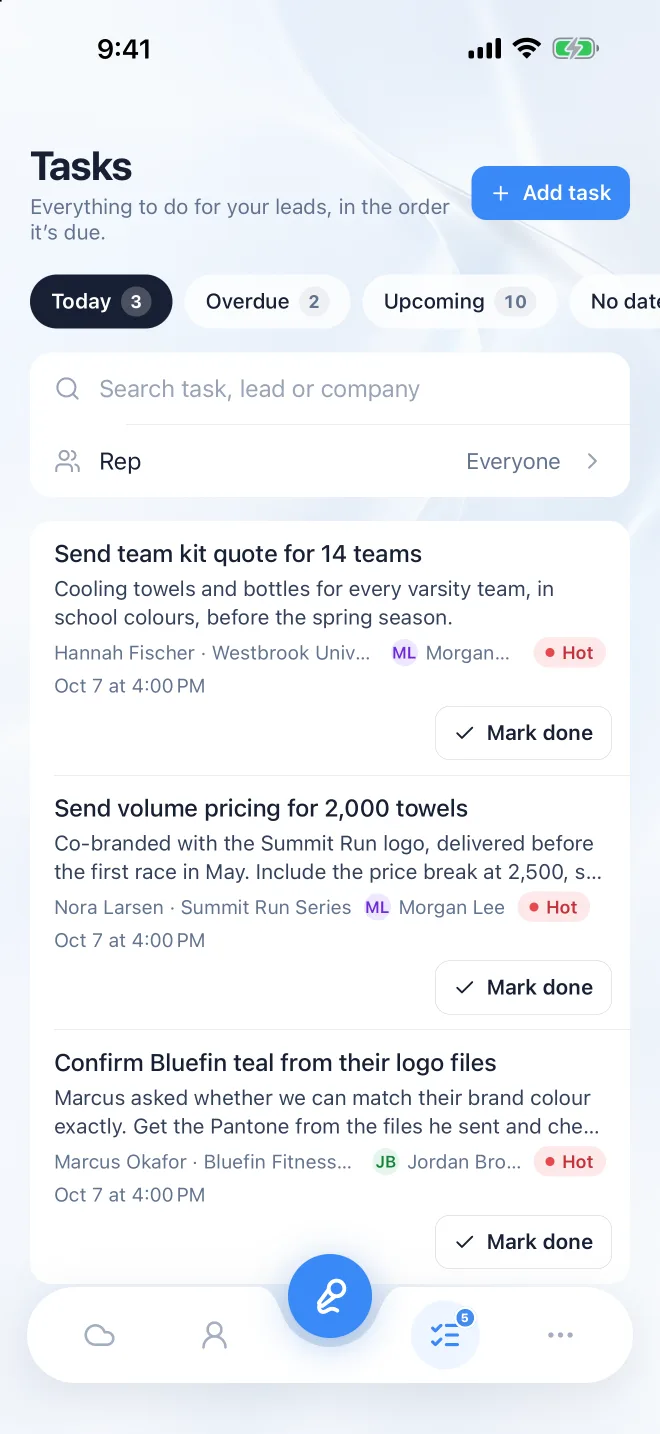
Every next step lands in Follow-ups with a due date, for you and your manager. Send the email, mark it done, or record an update after the next call.
Four ways in
Best on a show floor or in a meeting. Recording carries on with your phone locked, and the lock screen shows it’s listening. Where the law asks everyone to agree to a recording, ask first.
Rather not record? Walk away and say what happened in thirty seconds, or at the end of the day in the car. Instalead updates the lead, the tasks and your summary for you to check.
Point the camera at an event badge’s QR code or a business card, and the name, company, title and contact details fill themselves in. Or pick someone from your contacts.
On a computer, Record also picks up the meeting’s sound along with your microphone, so a Zoom, Teams or Google Meet call is written up the same way. A notetaker can join the call for you instead.
What you get back
From every conversation
Afterwards

Free for 14 days with up to 5 people. No card needed.
Hi! Ask me anything about Instalead: how it works, pricing, or whether it fits your team.
AI answers, so they can be wrong. Talk to a person